
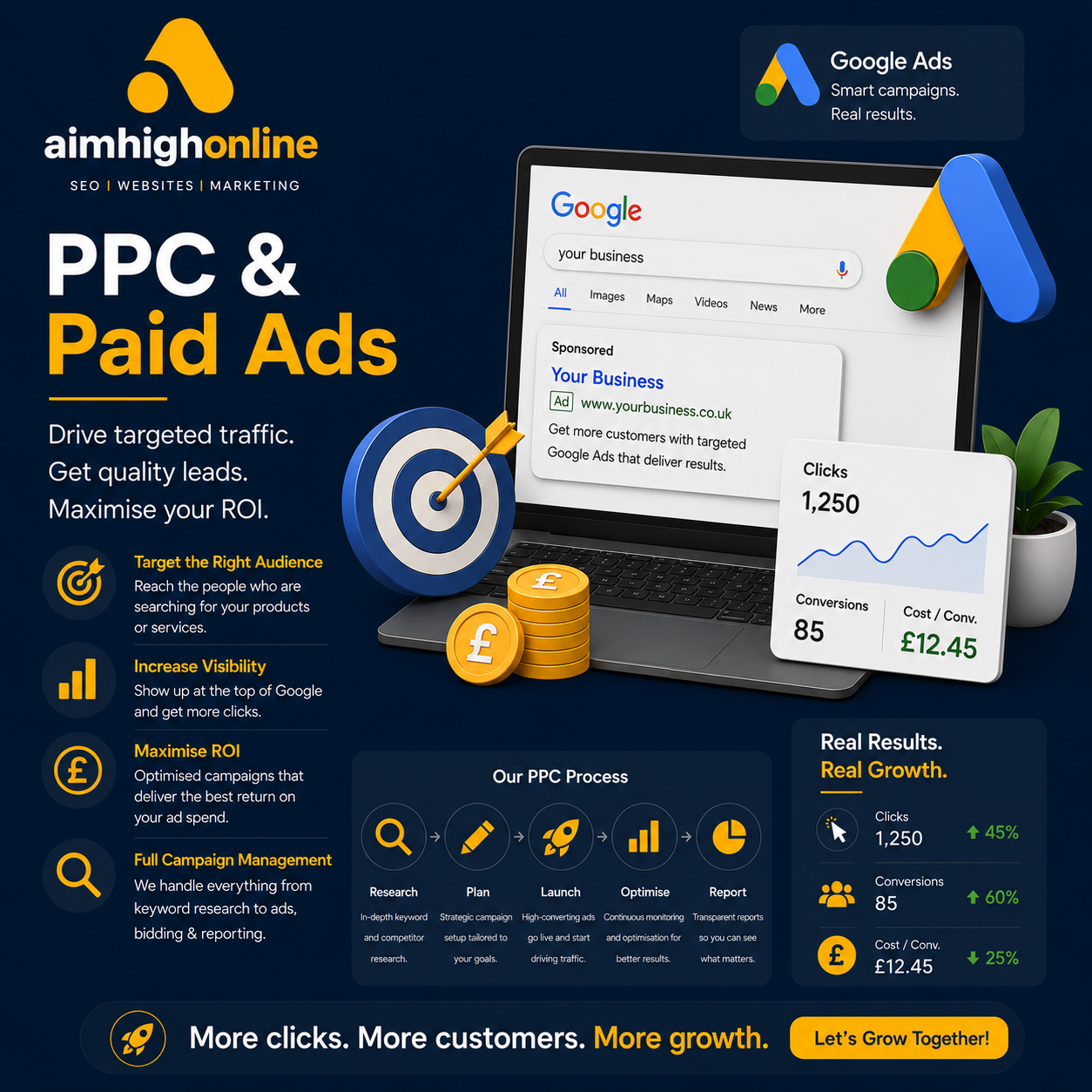
Google PPC Campaigns: A Practical Guide to Getting Started
Google pay-per-click (PPC) campaigns let businesses advertise across Google’s network and pay when someone interacts with an ad in a way defined by the campaign. Search campaigns can place ads alongside relevant search results, while other campaign types can reach people on platforms such as YouTube, Discover, and Google’s partner network.
A well-managed campaign can help a business reach potential customers, generate leads, or drive online sales. Success, however, depends on more than setting a budget and choosing a few keywords. Clear goals, relevant ads, useful landing pages, and careful measurement all play an important role.
How Google PPC Campaigns Work
For search advertising, an advertiser selects keywords or other targeting signals that relate to its products or services. When someone searches, Google runs an auction to determine which eligible ads may appear and where. The result is influenced by factors such as the bid, the quality and relevance of the ad, the expected impact of ad assets, and the context of the search.
With PPC, advertisers generally pay when a user clicks a search ad. Costs vary based on competition, targeting, and the value of the search. A higher bid alone does not guarantee a top position, and a click does not automatically lead to a sale or inquiry.
Set a Clear Campaign Goal
Before building a campaign, decide what it should accomplish. Common goals include:
- Generating qualified leads or phone calls
- Increasing online sales
- Driving visits to a local business
- Promoting a specific service, product, or event
- Encouraging a valuable action, such as a booking or consultation
Choose goals that can be measured. For example, a service business might track completed contact forms and qualified calls rather than counting every website visit as a success.
Build a Focused Campaign Structure
Organize campaigns around meaningful differences, such as product lines, services, locations, or business objectives. Within each campaign, use tightly related ad groups so that keywords and ads match the same search intent.
A focused structure makes it easier to manage budgets, review performance, and write relevant ads. Avoid placing unrelated keywords in a single ad group; an ad for emergency plumbing, for instance, may not be a good fit for someone searching for a bathroom renovation.
Choose Keywords With Intent in Mind
Keyword research helps identify the terms people use when looking for a product or service. Consider the searcher’s likely intent, not just the number of searches. Someone searching for “buy running shoes” may be closer to making a purchase than someone searching for “history of running shoes.”
Google Ads offers keyword match types that influence how closely a search must relate to a keyword for an ad to be eligible. Match behavior can change over time, so review the search terms report regularly to understand which actual searches are triggering ads.
Negative keywords can help prevent ads from appearing for irrelevant searches. For example, a business that sells new equipment may choose to exclude searches containing “free” or “used” if those searches are not relevant to its offer.
Write Relevant, Compelling Ads
Effective ads connect a person’s search with a clear, useful offer. Include language that reflects the search topic, explain what makes the business or service valuable, and give users a specific next step. Avoid vague claims and promises that the landing page cannot support.
Responsive search ads allow advertisers to provide multiple headlines and descriptions. Google can combine these assets in different ways, so each one should make sense on its own and work with the others. Ad assets, such as sitelinks or call information, can provide additional useful details when they are available and appropriate.
Make the Landing Page Match the Ad
When someone clicks an ad, the landing page should deliver on what the ad promised. A relevant page should load reliably, work well on mobile devices, explain the offer clearly, and make the next step easy to find.
For a lead-generation campaign, that next step might be a short contact form or a call button. For an online store, it may be a product page with clear pricing, shipping details, and a straightforward checkout process. Sending every visitor to the homepage can make it harder for them to find the information they expected.
Set a Budget and Choose a Bidding Approach
Set a budget that reflects your business goals and the amount you can reasonably spend while testing and improving the campaign. Start with a manageable daily budget, then review results before making significant changes.
Google Ads provides different bidding approaches. Depending on the campaign and its goals, options may focus on clicks, conversions, conversion value, or visibility. Automated bidding can use signals to adjust bids, but it still depends on accurate tracking and appropriate campaign settings. Choose a strategy that fits the goal and the amount of reliable performance data available.
Track Results That Matter
Conversion tracking helps show whether campaigns lead to valuable actions. Before launch, identify the actions that count as conversions and make sure tracking is configured correctly. Depending on the business, conversions may include purchases, completed forms, phone calls, or bookings.
Review performance using metrics that relate to the campaign goal. These may include:
- Click-through rate (CTR): The percentage of impressions that result in clicks
- Cost per click (CPC): The average amount paid for a click
- Conversion rate: The percentage of interactions that lead to a tracked conversion
- Cost per conversion: The average advertising cost for each tracked conversion
- Return on ad spend (ROAS): The revenue attributed to advertising compared with the advertising cost
No single metric tells the whole story. A low cost per click is not necessarily beneficial if the traffic does not convert, and a high conversion rate may not be profitable if each sale has a low margin.
Common PPC Mistakes to Avoid
- Launching without a defined goal: Without a clear objective, it is difficult to assess whether the campaign is working.
- Using broad, unfocused targeting: Irrelevant searches can use budget without reaching likely customers.
- Ignoring search terms: Regular review can reveal new opportunities and searches to exclude.
- Sending traffic to a poor landing page: Slow, confusing, or mismatched pages can undermine otherwise strong ads.
- Changing too many settings at once: Making one measured adjustment at a time can make results easier to interpret.
- Failing to verify conversion tracking: Inaccurate data can lead to poor decisions and ineffective optimization.
Keep Testing and Improving
Google PPC campaigns are not a set-it-and-forget-it activity. Review search terms, ad performance, conversion quality, and landing-page results on a regular schedule. Test thoughtful changes, such as new ad messaging or a more relevant landing page, and allow enough time and data to evaluate their impact.
With a clear goal, relevant targeting, useful ads, and dependable measurement, Google PPC can become a valuable part of a broader marketing strategy. The strongest campaigns focus not only on attracting clicks, but also on giving the right people a clear path to take meaningful action.